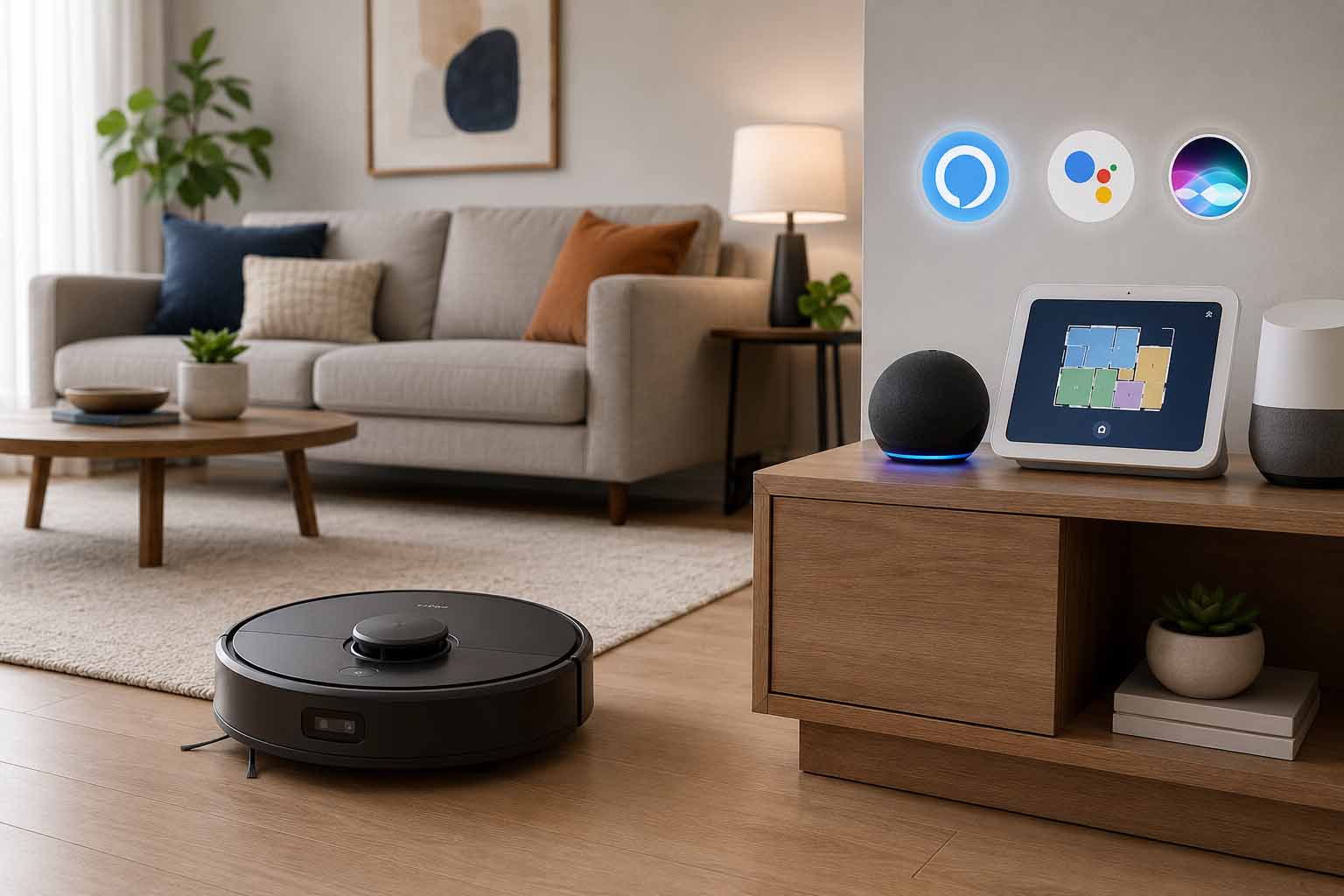
If you’ve already built out a smart home, the last thing you want is a robot vacuum that sits outside of it. The good news is that most modern robot vacuums now play nicely with at least one major voice assistant, and quite a few support all three. But “works with Alexa” on a box doesn’t always mean the experience is smooth, so it’s worth knowing what you’re actually getting before buying.
This article breaks down which robot vacuums offer the best smart home integration, what you can actually control by voice, and a few things manufacturers don’t always make obvious.
What “Works With Alexa” (or Google Home) Actually Means
Before diving into specific models, it helps to know what voice assistant compatibility really provides. In most cases, you can:
- Start or stop a cleaning session
- Send the robot back to its dock
- Ask about battery status
- Trigger cleaning by room (on supported models)
What you usually cannot do by voice: adjust suction power mid-clean, draw no-go zones, or schedule specific times. Those still require the companion app. So voice control is genuinely useful for hands-free convenience, but the app remains the real control center.
Siri support, it’s worth noting, is generally weaker across the category. Most brands rely on Shortcuts integration rather than native HomeKit support, which means the commands are more limited and setup takes a bit more effort.
Top Robot Vacuums With Strong Smart Home Integration
Here’s a look at some of the most popular options and how they stack up on voice assistant compatibility.
| Robot Vacuum | Alexa | Google Home | Siri / HomeKit | Mapping | Price Range |
|---|---|---|---|---|---|
| Roborock S8 Pro Ultra | Yes | Yes | Via Shortcuts | Multi-floor | $$$$ |
| iRobot Roomba j7+ | Yes | Yes | Via Shortcuts | Yes | $$$$ |
| Ecovacs Deebot X2 Omni | Yes | Yes | Via Shortcuts | Yes | $$$$ |
| Shark IQ RV1001AE | Yes | Yes | No | Basic | $$ |
| Eufy RoboVac X8 | Yes | Yes | Via Shortcuts | No | $$ |
| Roborock Q5 Pro | Yes | Yes | Via Shortcuts | Yes | $$$ |
A few things stand out from that list. First, native HomeKit support is essentially nonexistent in this category right now. Every brand that claims Siri compatibility routes through Apple Shortcuts, which works, but it’s not the seamless experience you’d get with something like smart lights or a thermostat.
Second, Google Home integration tends to be slightly more responsive than Alexa in real-world use, mostly because the Google Home app has better device discovery. That said, Alexa’s routines are more flexible, so if you want your vacuum to auto-start when you say “leaving home,” Alexa handles that better.
Roborock vs. iRobot: Which Has Better Smart Home Support?
These two brands are the ones most people end up comparing, so it’s worth going a bit deeper.
Roborock has invested heavily in its app and integrations. The S8 Pro Ultra, for instance, supports room-specific voice commands through both Alexa and Google Home, meaning you can say “Alexa, ask Roborock to clean the kitchen” and it will actually do that, provided you’ve set up rooms in the app first. The Google Home integration also lets you see the vacuum as a device in the Home app, which is a nice touch.
iRobot’s Roomba lineup is deeply integrated with Alexa, which makes sense given Amazon’s past investment in the company. The j7+ learns your home’s layout and can respond to room-specific commands too. It also works in Alexa routines really well. Google Home support is present but feels slightly less polished.
If you’re in a Google Home household, Roborock probably has the edge. Alexa-first households can go either way, though Roomba’s routine compatibility gives it a slight advantage for automation fans.
What to Look for When Buying a Smart-Home-Compatible Robot Vacuum
Beyond the voice assistant badge on the box, a few features actually matter for a smooth experience.
Stable Wi-Fi connectivity. Sounds obvious, but some cheaper models will drop off your network and require manual reconnection. If the vacuum isn’t reliably online, voice commands won’t work. Look for reviews that specifically mention Wi-Fi stability.
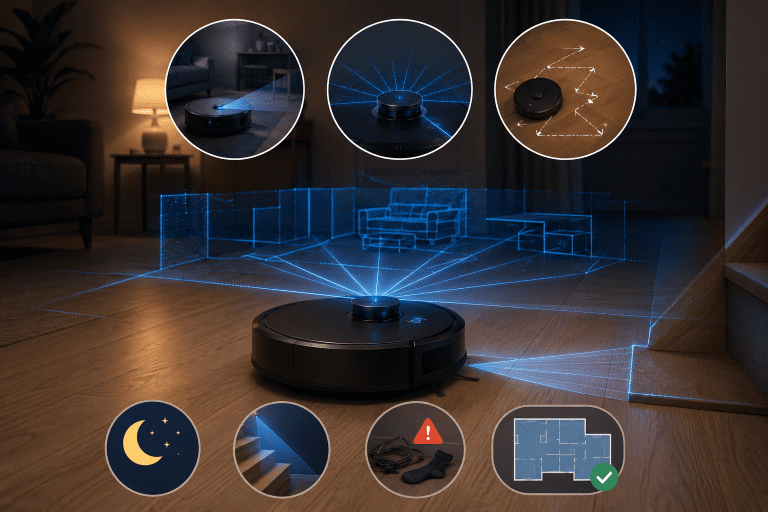
Room mapping. This is what makes voice control genuinely useful. Without a map, the vacuum just cleans everything, every time. With a map, you can say “clean the bedroom” and it goes straight there. Models without mapping aren’t worth buying for smart home use.
App quality matters more than you’d think. Because voice assistants mostly trigger commands that start in the app, a well-designed app makes the whole system more reliable. Roborock and Dreame tend to get strong marks here. Some lesser-known brands have apps that crash or lose device connections regularly, which breaks the whole experience.
Check if the integration is cloud-based or local. Almost all consumer robot vacuums use cloud-based integrations, meaning your voice command goes through the brand’s servers before reaching the vacuum. This usually works fine, but it can be slower and occasionally breaks if the company updates its API. Fully local integrations (like what some Home Assistant users set up) are more reliable but require more technical setup.
A Note on Privacy
When your robot vacuum is connected to Alexa or Google Home, you’re layering two sets of voice data and device usage on top of each other. The vacuum’s companion app collects map data, cleaning history, and sometimes camera footage. The voice assistant platform logs your commands.
This isn’t a reason to avoid smart integration entirely, but it’s worth reading the privacy policy of the brand you choose, especially if the vacuum has a camera. iRobot (now part of Amazon) and Roborock both publish transparency reports, which is a better sign than brands that don’t.
Conclusion
Robot vacuums with Alexa and Google Home support have gotten genuinely good over the past couple of years. The best ones, like the Roborock S8 Pro Ultra or Roomba j7+, offer reliable voice commands, room-specific cleaning, and solid app control that makes the smart home experience feel cohesive rather than gimmicky.
Siri and HomeKit support remains a weak point across the category, so Apple-first households may want to temper expectations or lean into Shortcuts workarounds.
Before buying, focus on whether the vacuum has proper room mapping, a stable app, and consistent reviews around Wi-Fi reliability. Those three things will do more for your smart home experience than any marketing claim on the box.
If you’re already using Alexa routines or Google Home automations, adding a compatible robot vacuum is one of the more satisfying upgrades you can make to a smart home setup. It’s one of those things that actually saves you time, not just one that sounds cool.